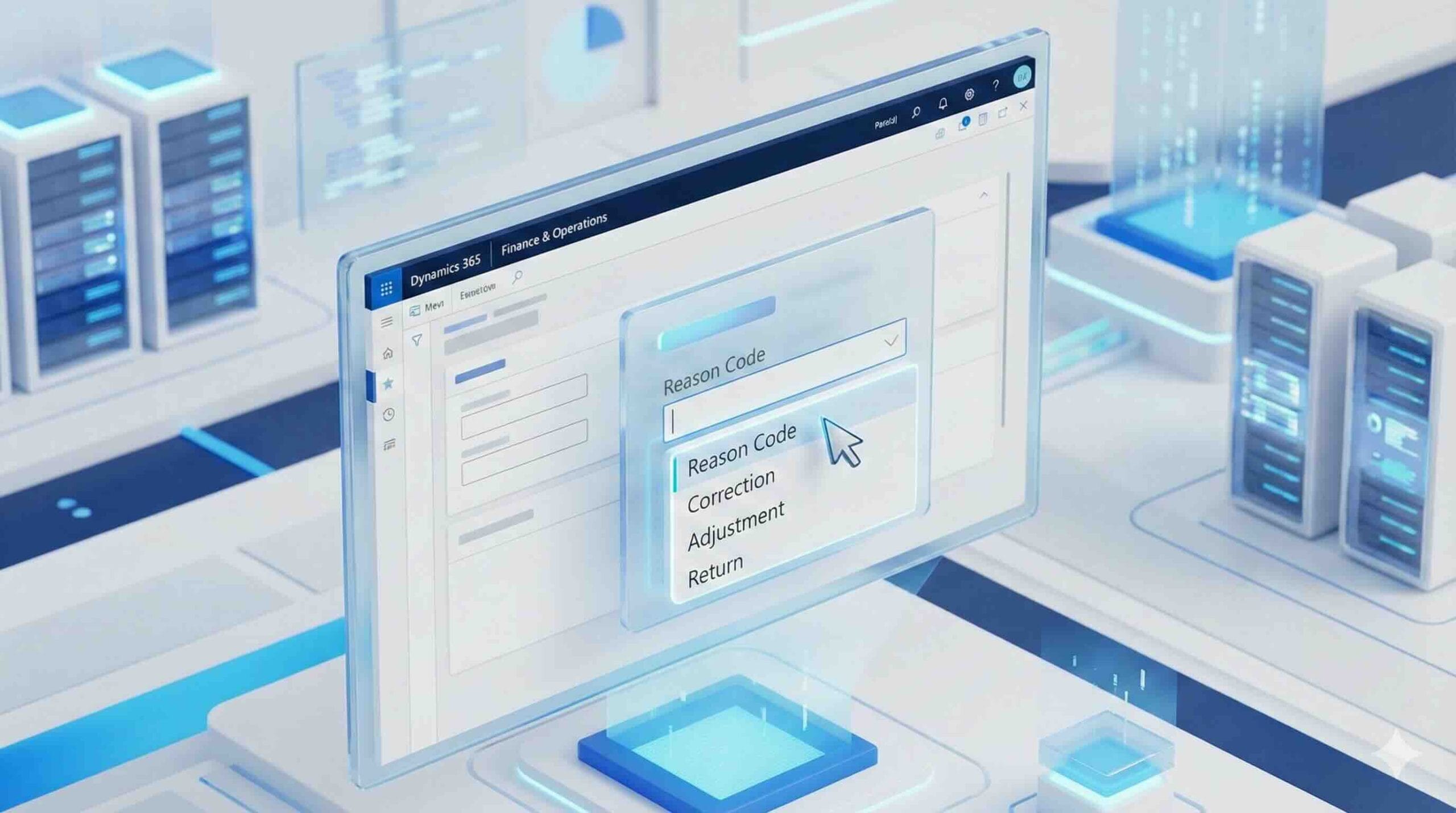
Reason codes help standardize why a transaction happened (write-off, adjustment, return, cancellation, etc.) and optionally provide a default comment users can keep or overwrite.
Financial Reasons
A hub for all Financial Reasons under Organization administration. When you set up a reason code (and its description), make sure you select the appropriate module(s). After a module is enabled, the reason code can be used in that module’s transactions. You can also find module-specific reason code setup pages under each module.
| Field | Description | also find |
|---|---|---|
| Reason code | Enter a unique identifier for the reason code | |
| Default comment | Enter a default comment for the reason code – changeable | |
| Asset | use for fixed asset transactions | Asset reasons |
| Bank | use for cash and bank management transactions | Bank Reasons |
| Customer | use for customer transactions | Customer reason Codes |
| Ledger | use for for general ledger transactions | Ledger reasons |
| Vendor | use for vendor transactions | Vendor reasons |
| Purpose code | use for letter of guarantee | Bank Reasons |
| Cancellation reason | used to cancel the letter of guarantee | Bank Reasons |
SCM Reasons
In Supply Chain Management, reason codes commonly show up in two areas:
Counting Reason Codes
- under Inventory management
- Used during inventory counting/journals to document why an on-hand adjustment occurred (damage, shrink, recount, correction, etc.).
Return reason codes
- under Sales and marketing
- processing returns (sales return orders / RMAs) to capture why items were returned (defective, wrong item, customer remorse, shipment damage, etc.).