What Happened
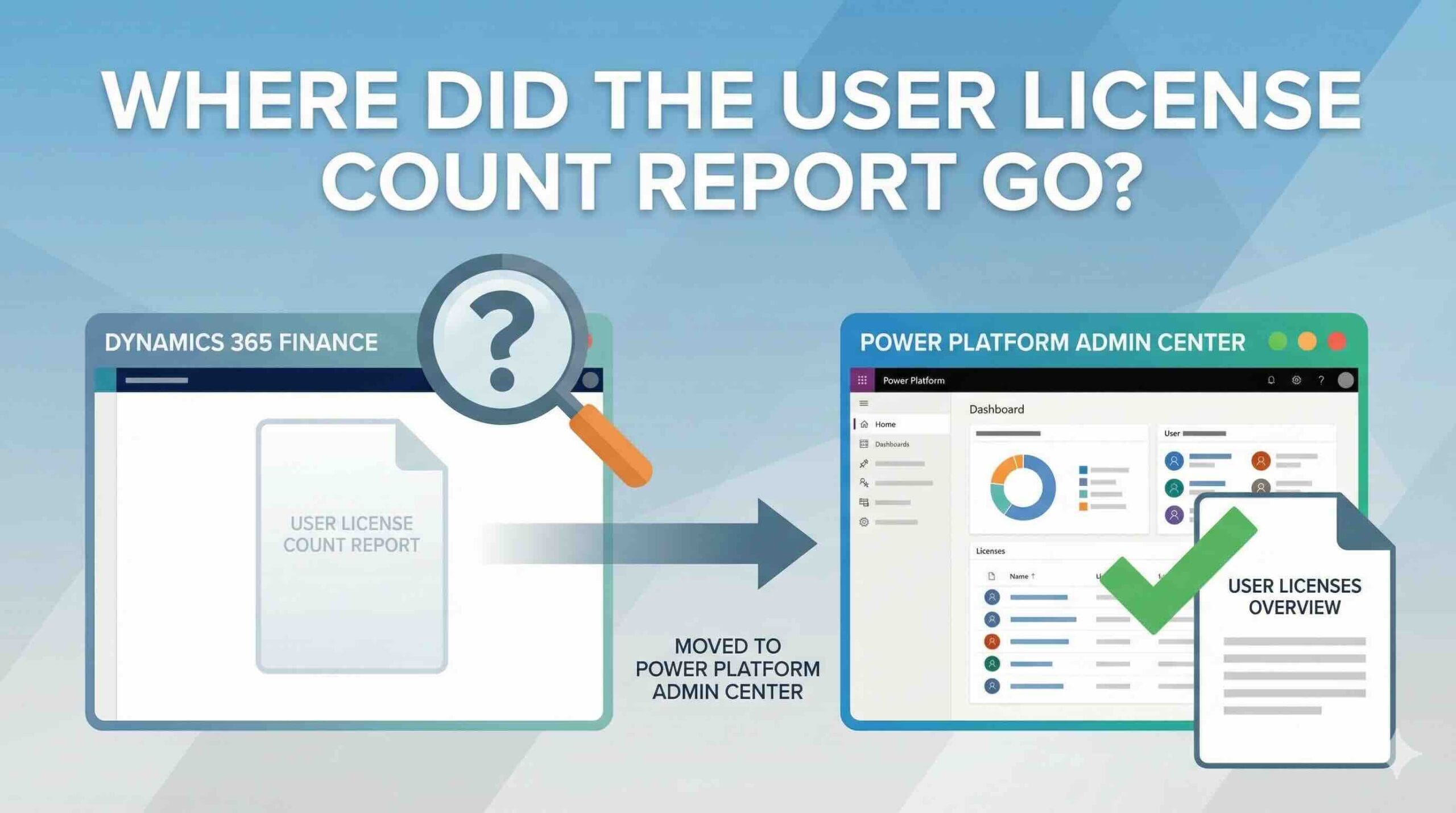
Today, I received a request for a license report and went to run it from the usual path: System administration > Inquiry and reports > License > User License Counts
To my surprise, the report was nowhere to be found. Both User License Counts and User License Counts history were missing. I then checked the official Microsoft documentation for Removed or deprecated features in Dynamics 365 Finance, but found no mention of this report being removed.
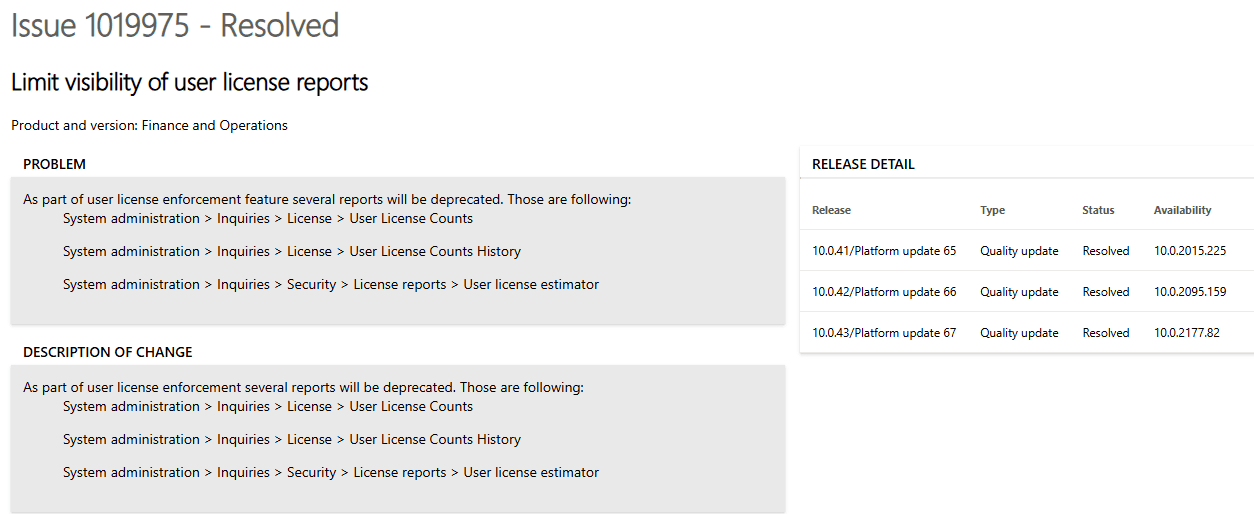
Next, I searched through LCS Issue Search and found Issue #1019975, which indicates that these reports are indeed being deprecated. My production environment is currently running on version 10.0.43 (10.0.2177.158), which aligns with this change.
Alternatives
Based on this article, there are currently three alternatives to retrieve license usage information.
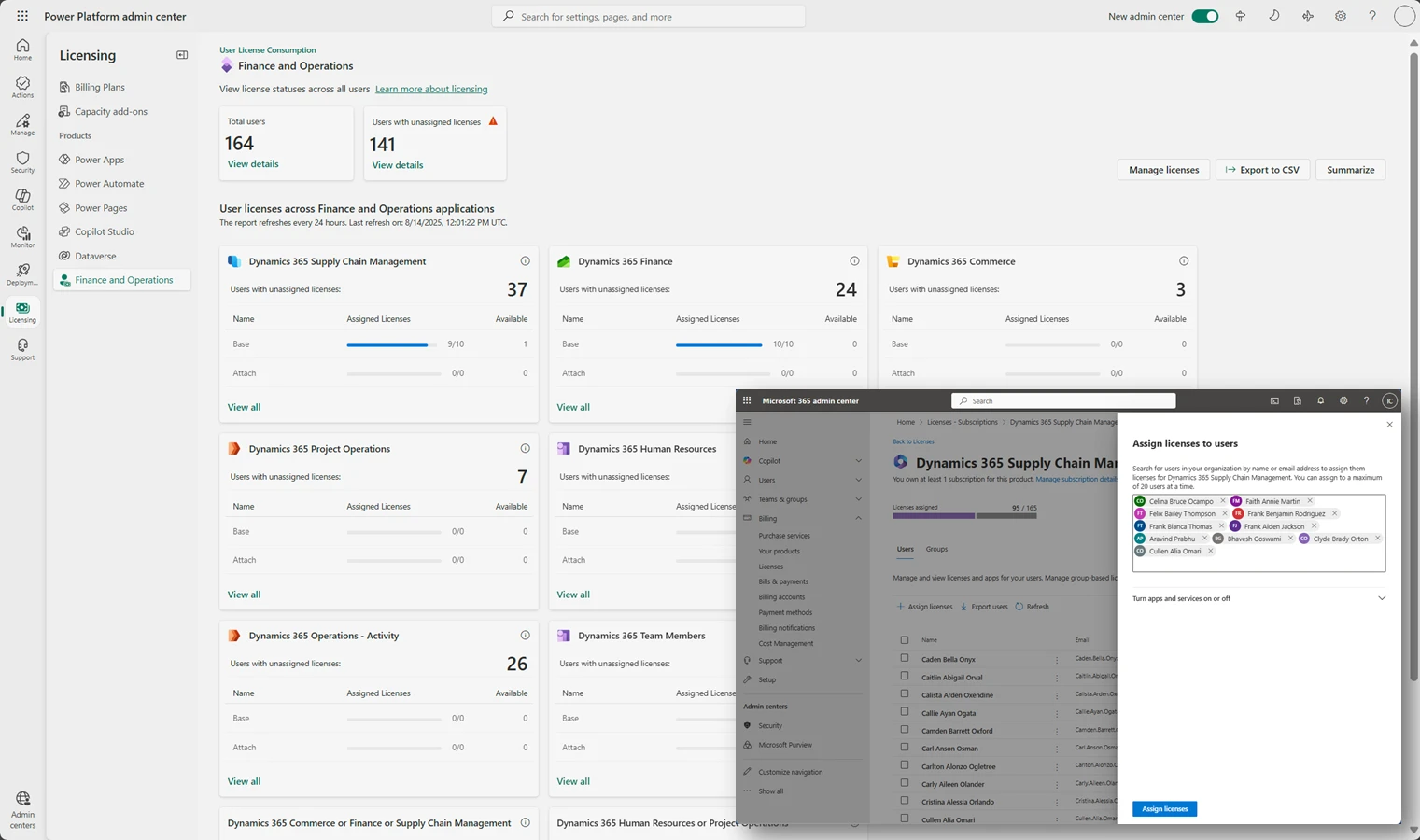
✅ Power Platform Admin Center > Licensing
Provides a consolidated view of licenses across your tenant.
✅ LCS > Licensing and Capacity
LCS > selected Project > User License consumption
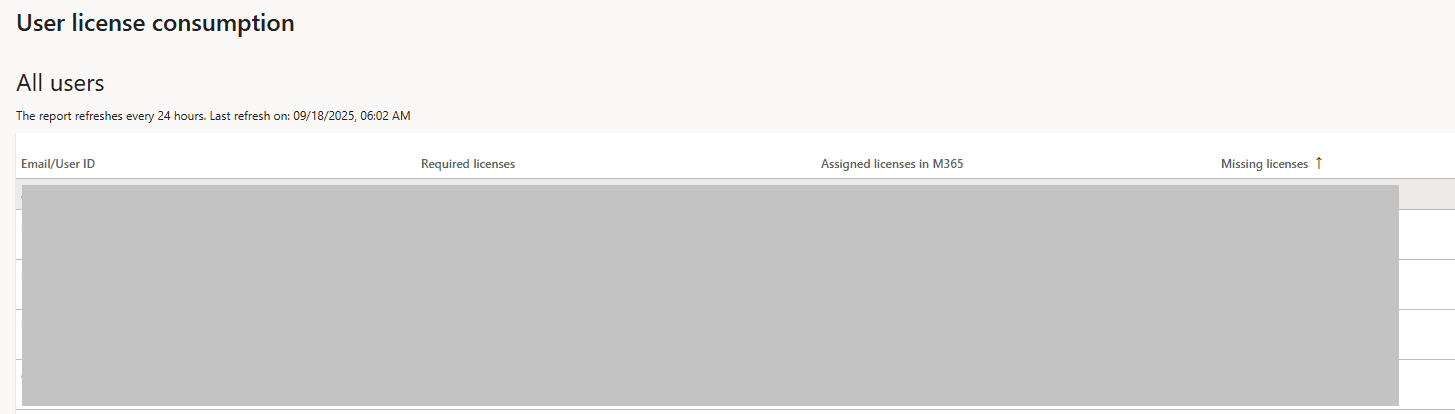
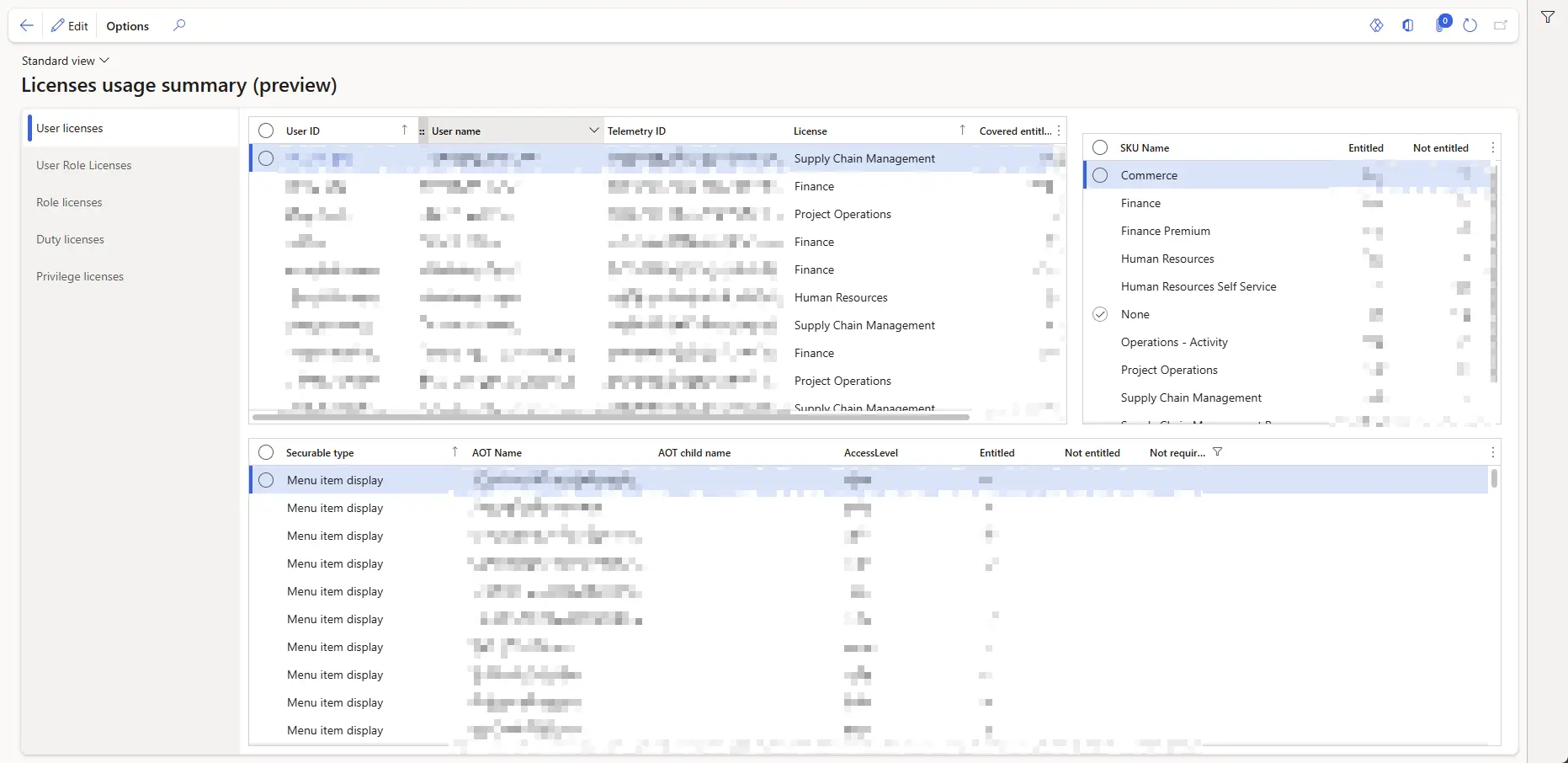
✅ New Feature: License Usage Summary
- Requires enabling the feature
User Security Governance. - Enable
License Usage Summary - Once enabled, and if it is a Microsoft-managed environment, you will see a new option called License usage summary.

1 thought on “Where Did the User License Count Report Go?”