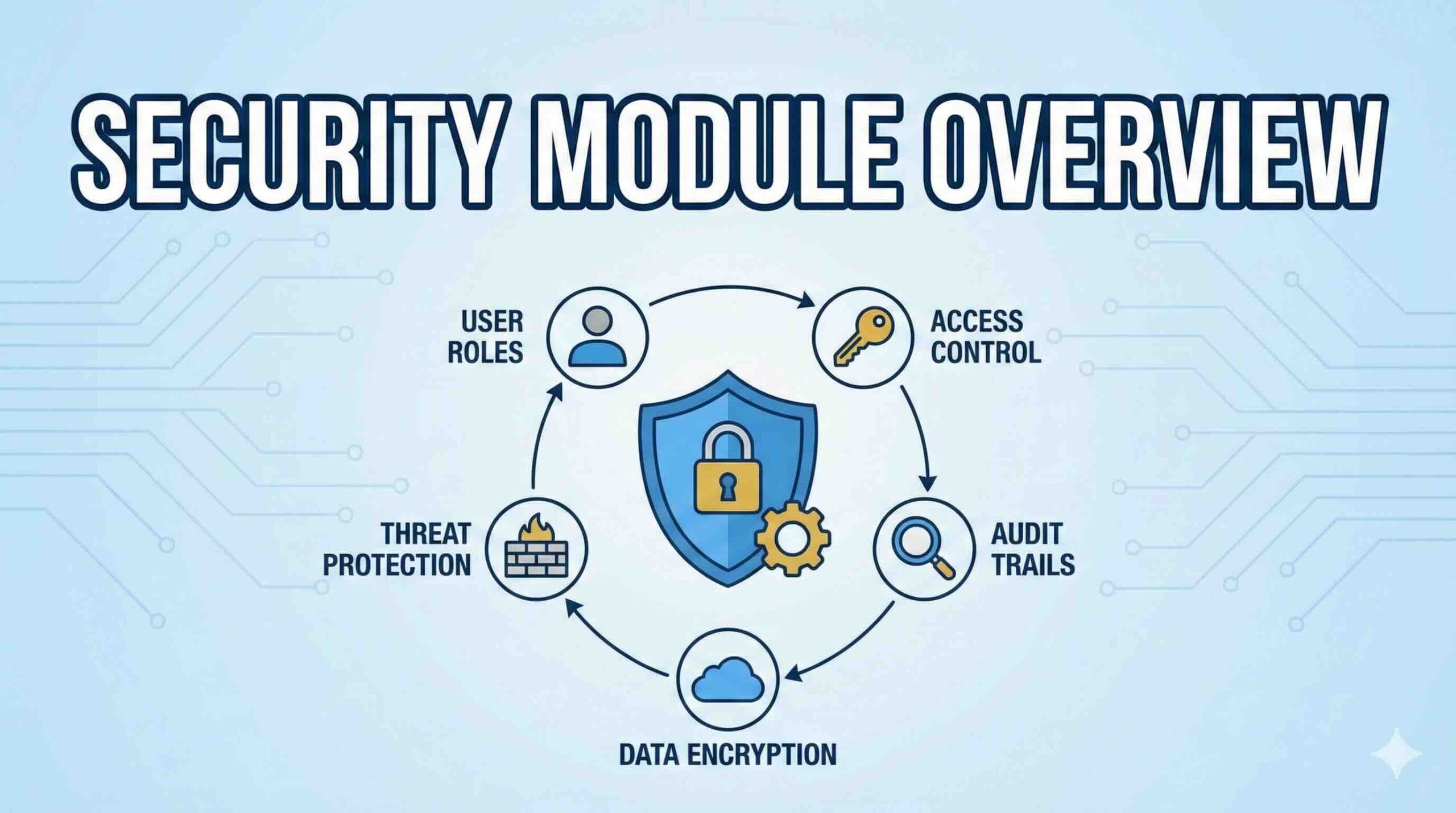
Dynamics 365 Finance & Operations (D365FO) security is role-based. Users get access by being assigned one or more security roles, which are built from duties, privileges, and permissions.
Security Architecture
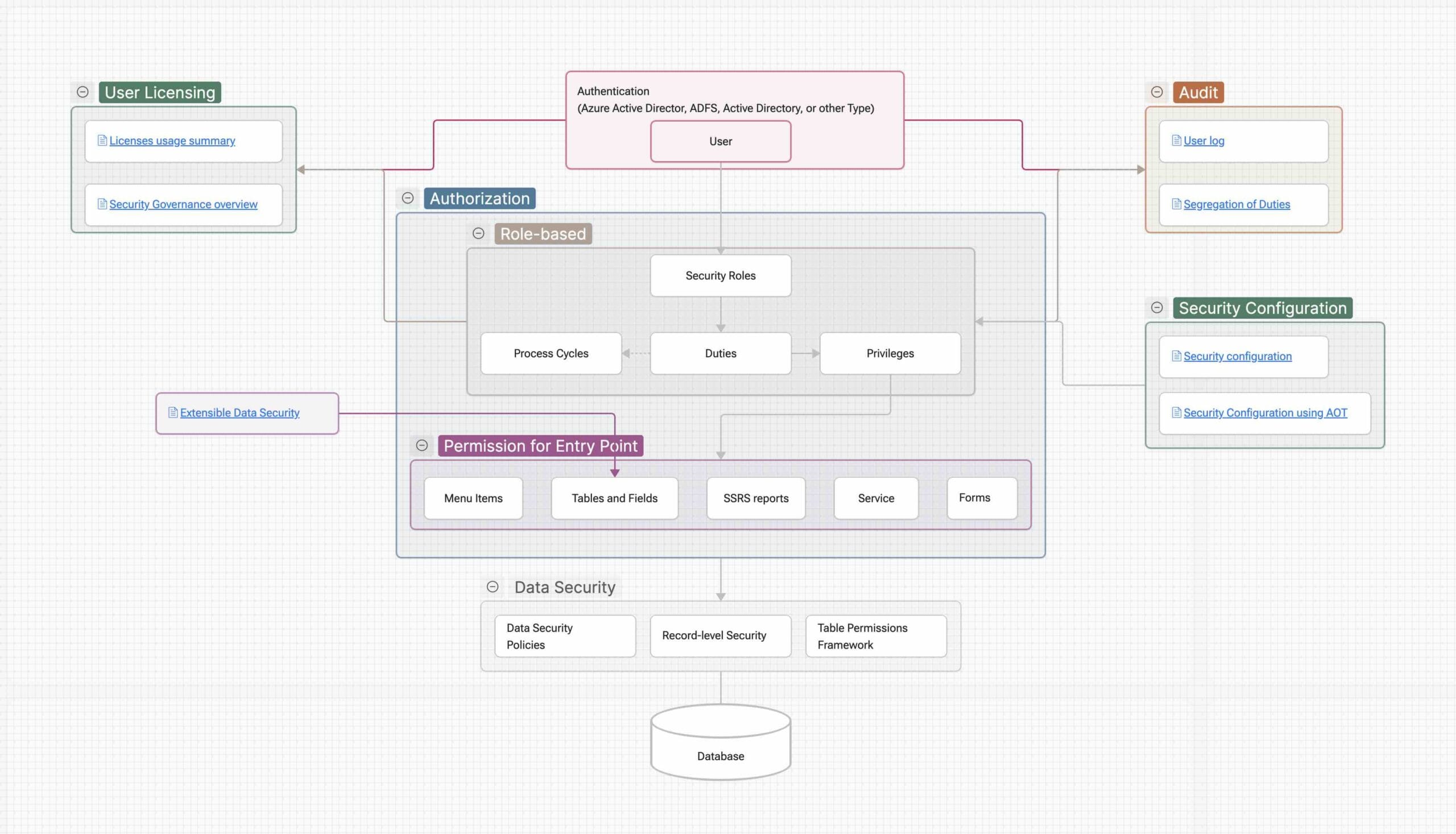
Role-based security
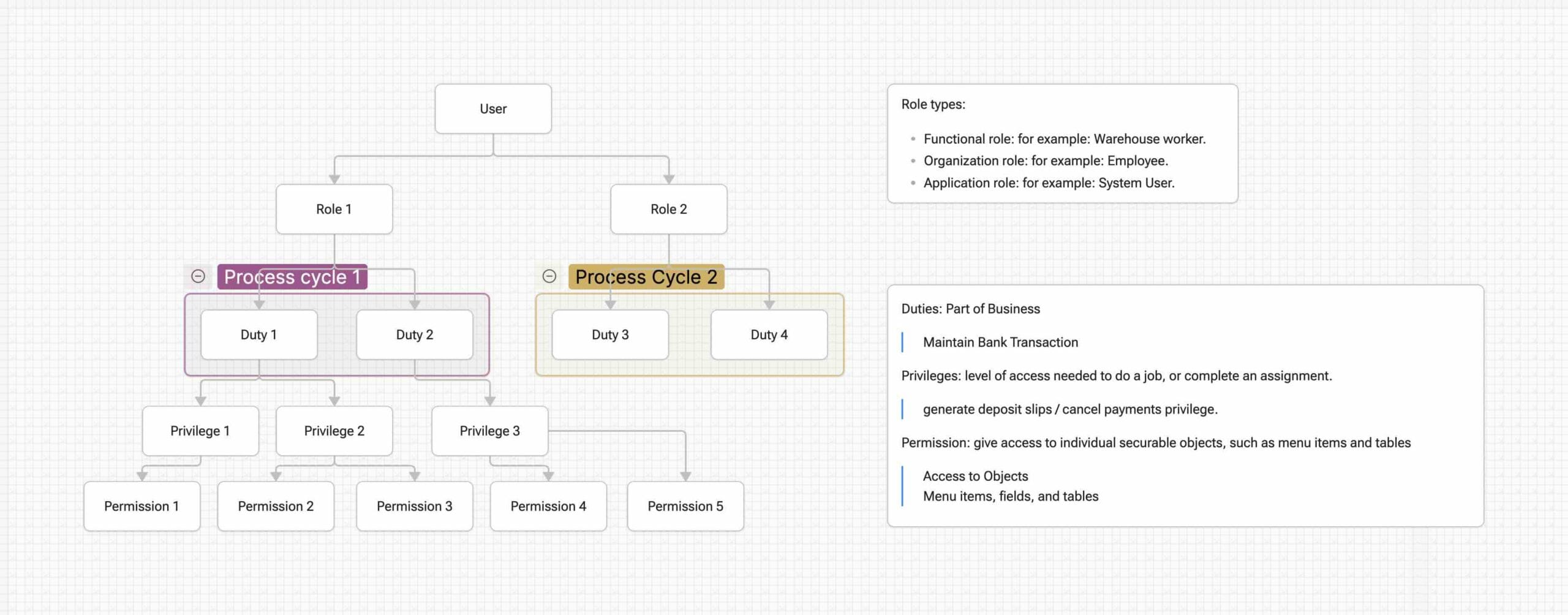
Security Role
represents a job function (e.g., AP Clerk, AR Manager). Users are assigned roles.
- Functional role: e.g., Warehouse worker
- Organization role: e.g., Employee
- Application role: e.g., System user
Process Cycle:
keep security aligned with how the business works.
Security Duty
logical grouping of tasks within a business area.
- Maintain Bank Transaction (Duty) might include multiple actions such as importing statements, reviewing transactions, posting, etc.
Security Privileges
Enables a user to perform a specific capability (often mapped to a menu item, form, or service).
Example privilege outcomes:
- Generate deposit slips
- Cancel payments
- Post a journal
Permission
define access to securable objects and the required access levels to run a function.
| Access Level | Option |
|---|---|
| Read | weakest |
| Update | |
| Create | Includes Update and Read |
| Delete | Strongest, Includes every other permission |
| Correct | only applies only when a time state table is involved |
| Invoke | ServiceOperation Server Method can be called |
| NoAccess | #AX2012 ServiceOperation Server Method cannot be called |
Audit
- User log: trace access/activity for review
- Segregation of Duties: identify conflicts between roles/duties that create risk