Business Events Overview
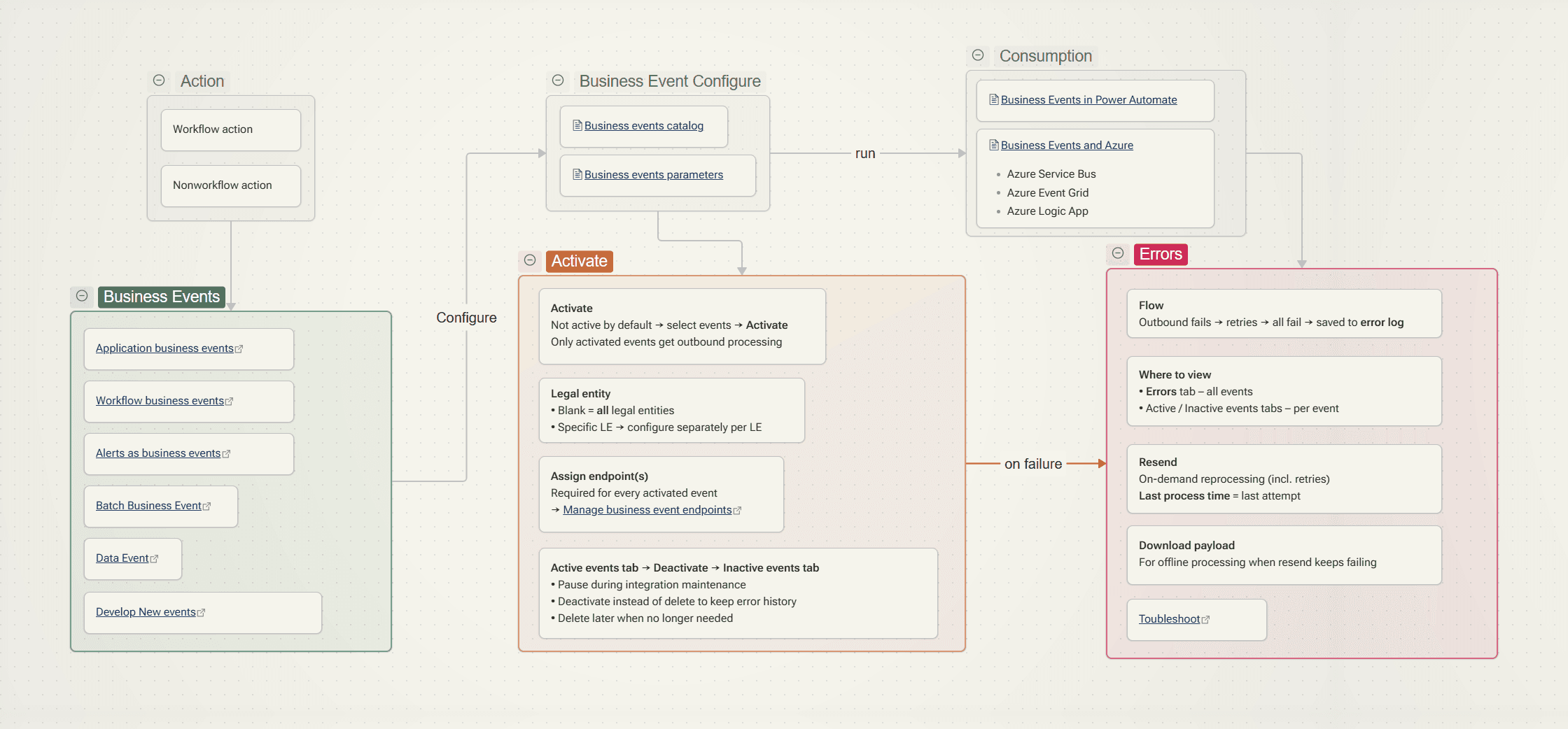
How D365 F&O business events work end to end – catalog, commit log, batch processing, endpoints – plus a setup walkthrough and fixes for the most common Key Vault, endpoint, catalog and performance errors.
How D365 F&O business events work end to end – catalog, commit log, batch processing, endpoints – plus a setup walkthrough and fixes for the most common Key Vault, endpoint, catalog and performance errors.
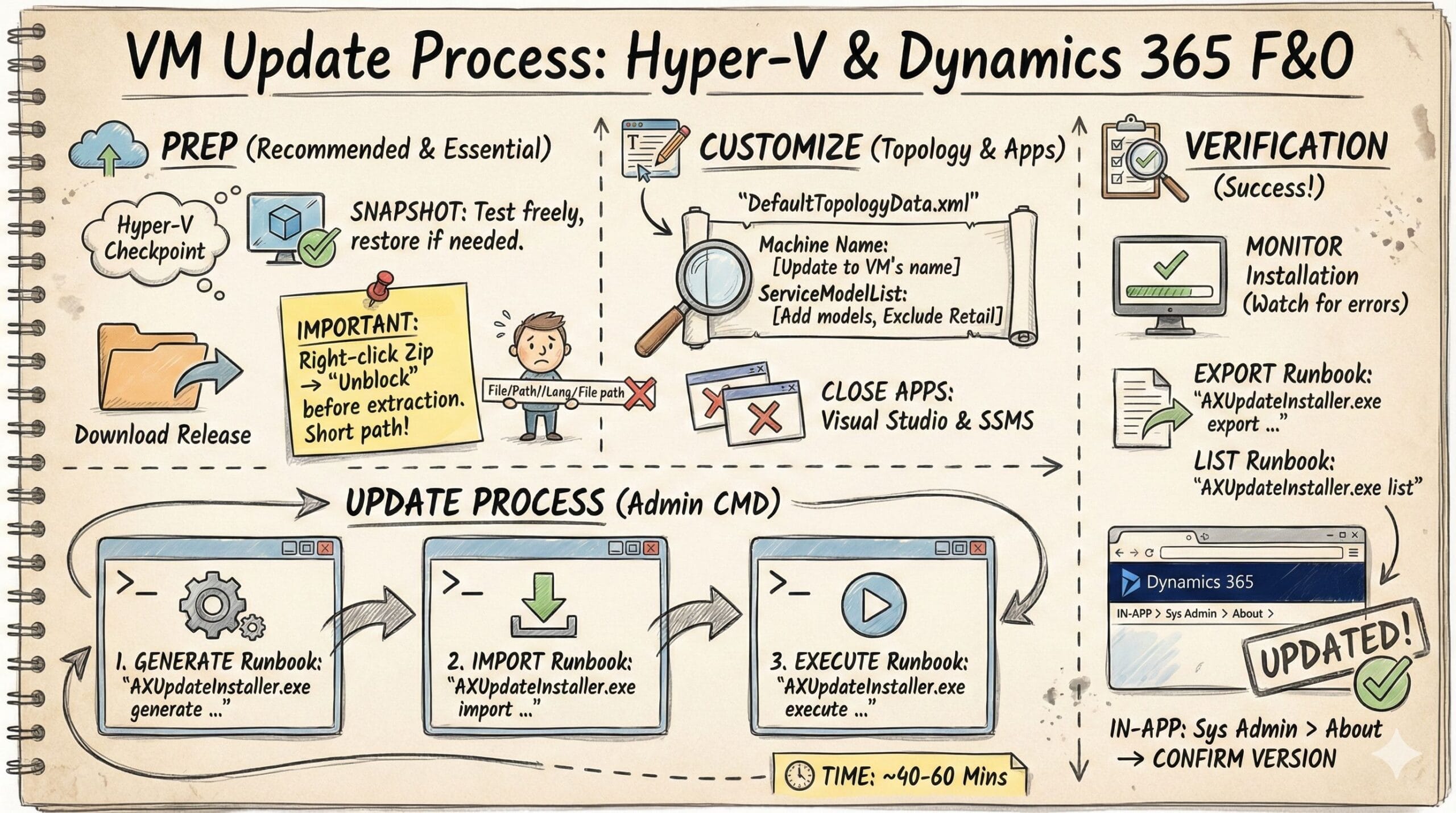
This is Part 2 of my D365 F&O Local Demo Environment series. Missed Part 1? Check out How to Install D365 F&O Demo VM In my previous post, I covered how to install the Dynamics 365 Finance & Operations demo environment on a local host. Unfortunately, the 10.0.46 VM has a critical issue that blocks … Read more
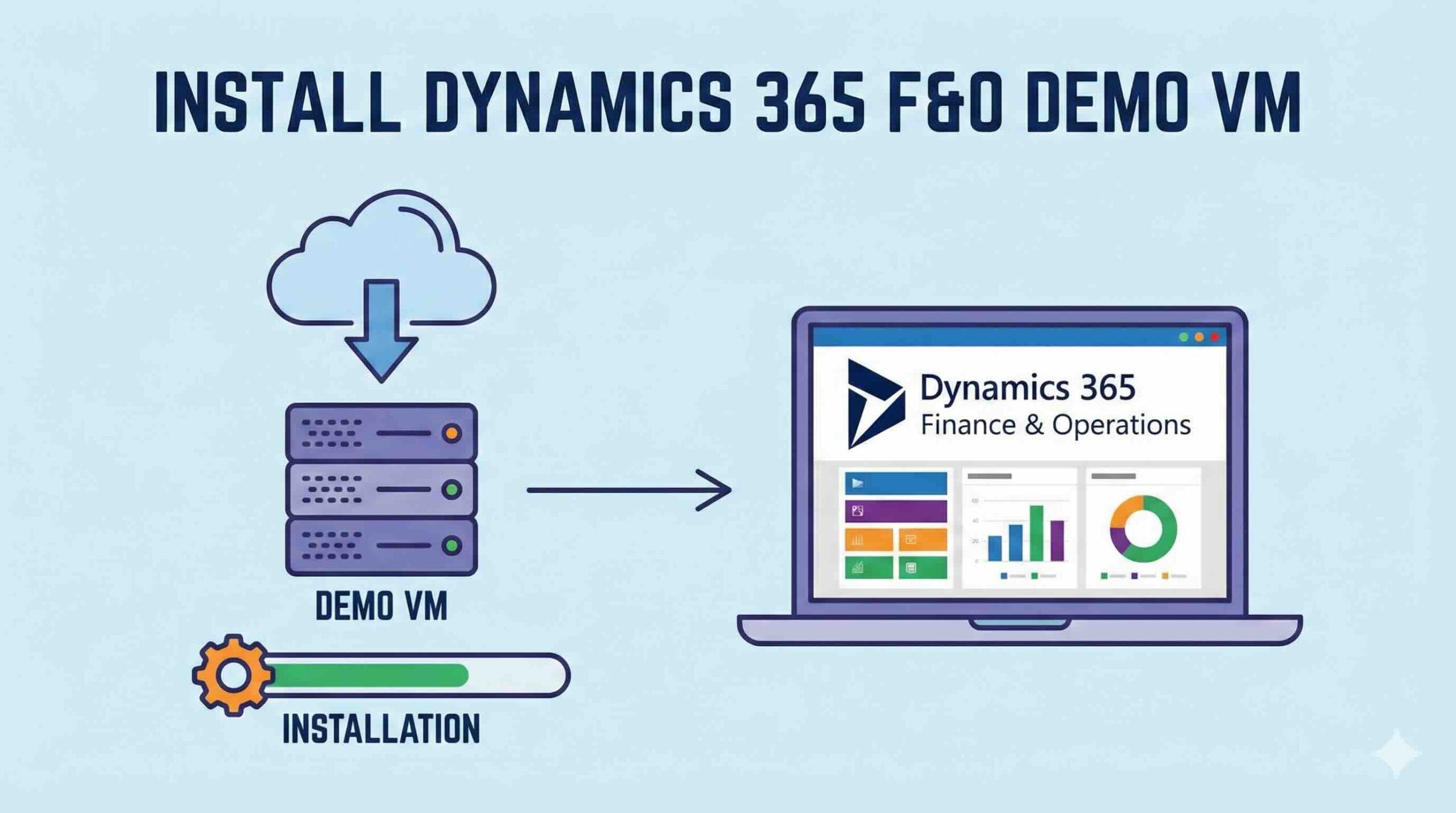
This article explains how to install a local Dynamics 365 Finance & Operations (D365 F&O) development VM using a downloadable VHD and Hyper-V. Prerequisites Register Azure account An account able to log into LCS Hyper-V enabled on the host machine Download go to LCS > Shared Asset Library Downloadable VHD Deployment Extract and Import VHD … Read more
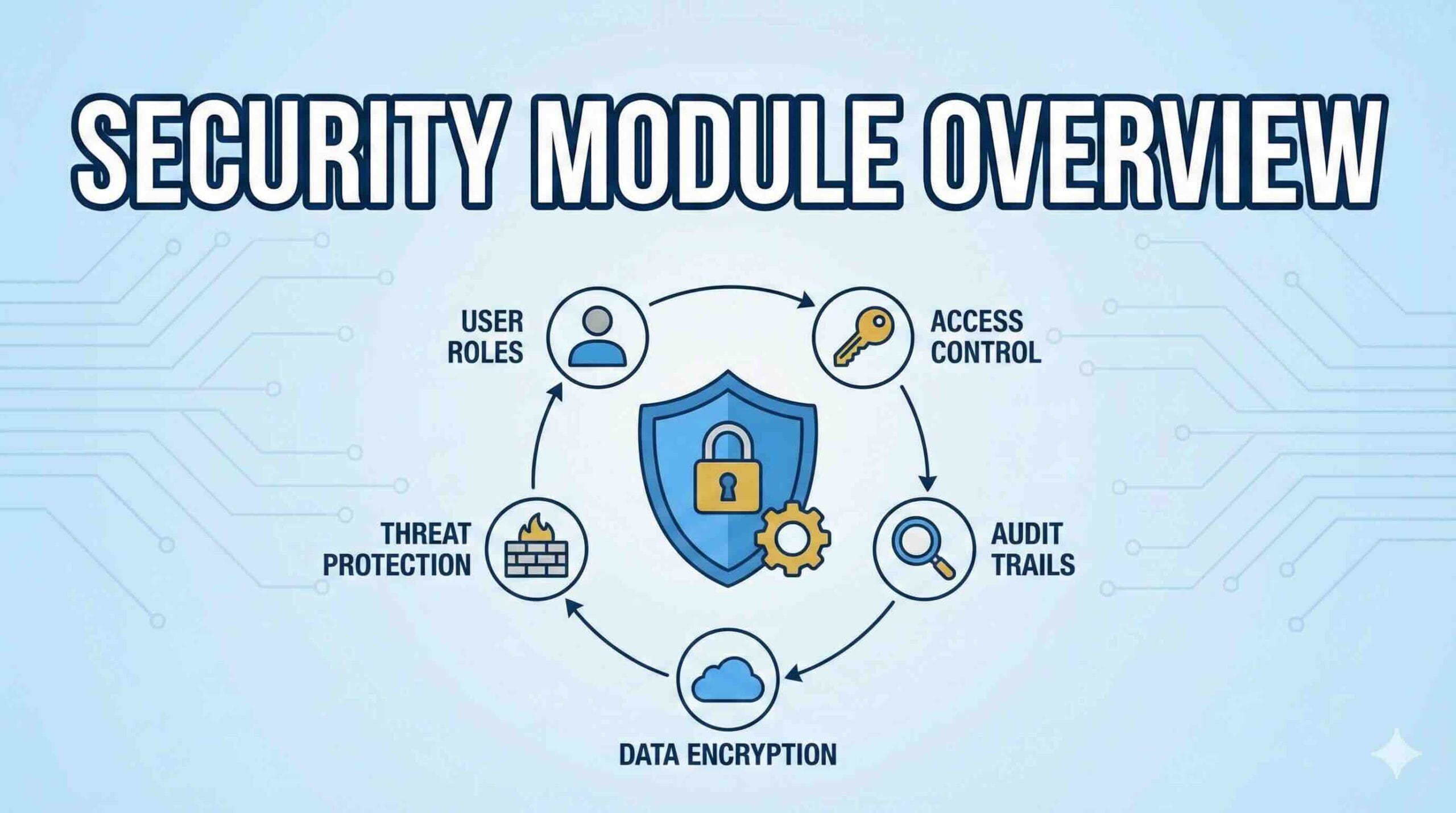
Dynamics 365 Finance & Operations (D365FO) security is role-based. Users get access by being assigned one or more security roles, which are built from duties, privileges, and permissions. Security Architecture Role-based security Security Role represents a job function (e.g., AP Clerk, AR Manager). Users are assigned roles. Functional role: e.g., Warehouse worker Organization role: e.g., … Read more
Today, I encountered an issue reported by one of my clients. They use bridging transactions in the Customer payment journal, and also make use of the Deposit slip functionality. However, after a recent upgrade to version .43, we noticed that the checkbox "Use a deposit slip" can no longer be selected when the Method of … Read more